
Help center
Help for every feature.
Guides for every feature, from your first question to presentations, websites, data connectors and teams.
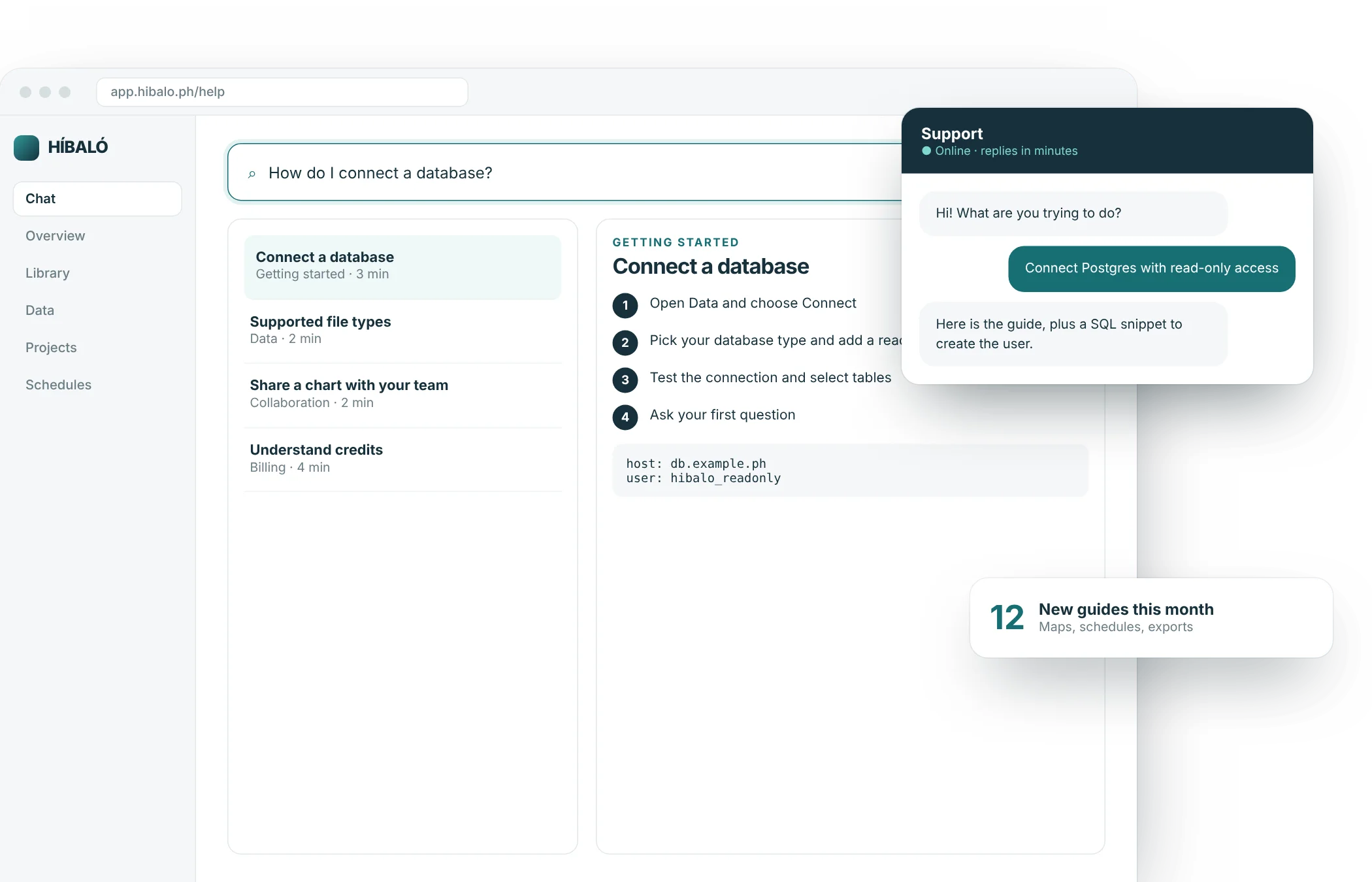
Getting started
Features
AI presentation maker
Build a presentation from a prompt, a file or your analysis, then present it, publish it or export it.
AI website builder
Describe a website or web app, refine it in chat, and publish it to a link.
Reasoning
Have HÍBALÓ plan and check its work before answering, and choose how hard it thinks.
Web search and live browser
Search the web and read pages today; a browser that clicks and fills in forms is coming.
Video
Make short AI video clips from a description, or animate an image.
Artifacts overview
The presentations, websites, dashboards, reports, charts and media HÍBALÓ builds for you.
Interactive artifacts
Dashboards, calculators, explorers and mini-apps you can click, filter and share.
Reports
Long-form write-ups of your analysis: executive summaries, research memos and stakeholder updates.
Images, narration and video
Generate and edit images, record voice-overs and make short clips, right in the chat.
Skills and custom instructions
Give HÍBALÓ standing instructions, and save reusable skills you can call with /name.
Data explorer
See every table behind an answer, sort, filter and search it, and export it as CSV.
Learning: what HÍBALÓ knows about your databases
HÍBALÓ learns what your tables and columns mean as your team uses them. See and manage it.
Learning as a team
Why shared databases get smarter faster when more people use them.
Data connectors
Data connectors overview
Connect databases and warehouses so HÍBALÓ queries live data, read-only, without exports.
Connect PostgreSQL
Fields, a read-only user, and fixes for common problems.
Connect Supabase
Use the Session pooler, not the direct connection.
Connect MySQL
Fields, a read-only user and troubleshooting.
Connect SQL Server
SQL Server and Azure SQL Database with an encrypted, read-only login.
Connect Snowflake
Key-pair or programmatic access token authentication.
Connect BigQuery
Service account setup, minimum permissions and keeping query costs down.
Filtered schemas
Choose exactly which tables and columns the AI can see from a connection.
Connector notes
Tell HÍBALÓ how to use a connection: key tables, joins and business rules.
Connection errors and fixes
What common connection errors mean and how to fix them.
Teams
Teams overview
Share a workspace: data, databases, dashboards, learned knowledge and skills.
Invite team members
Invite by email, or share an invite link with an expiry.
Roles and permissions
What admins, analysts and viewers can do.
Two-factor sign-in
Protect accounts with an authenticator app, and require it for the whole workspace.
Team usage
See how your team uses HÍBALÓ: answers, uploads and credits.
Single sign-on (SSO)
Let people sign in with your company identity provider.
Still stuck?
Tell us what you tried and what you expected. We reply within one business day.
Every public dataset, one question away.
Start free in minutes. Bring a file, connect a source, or just ask.