
Accessibility
A workspace you can navigate.
Keyboard access, readable interfaces and alternatives to visual-only results.
Using HÍBALÓ
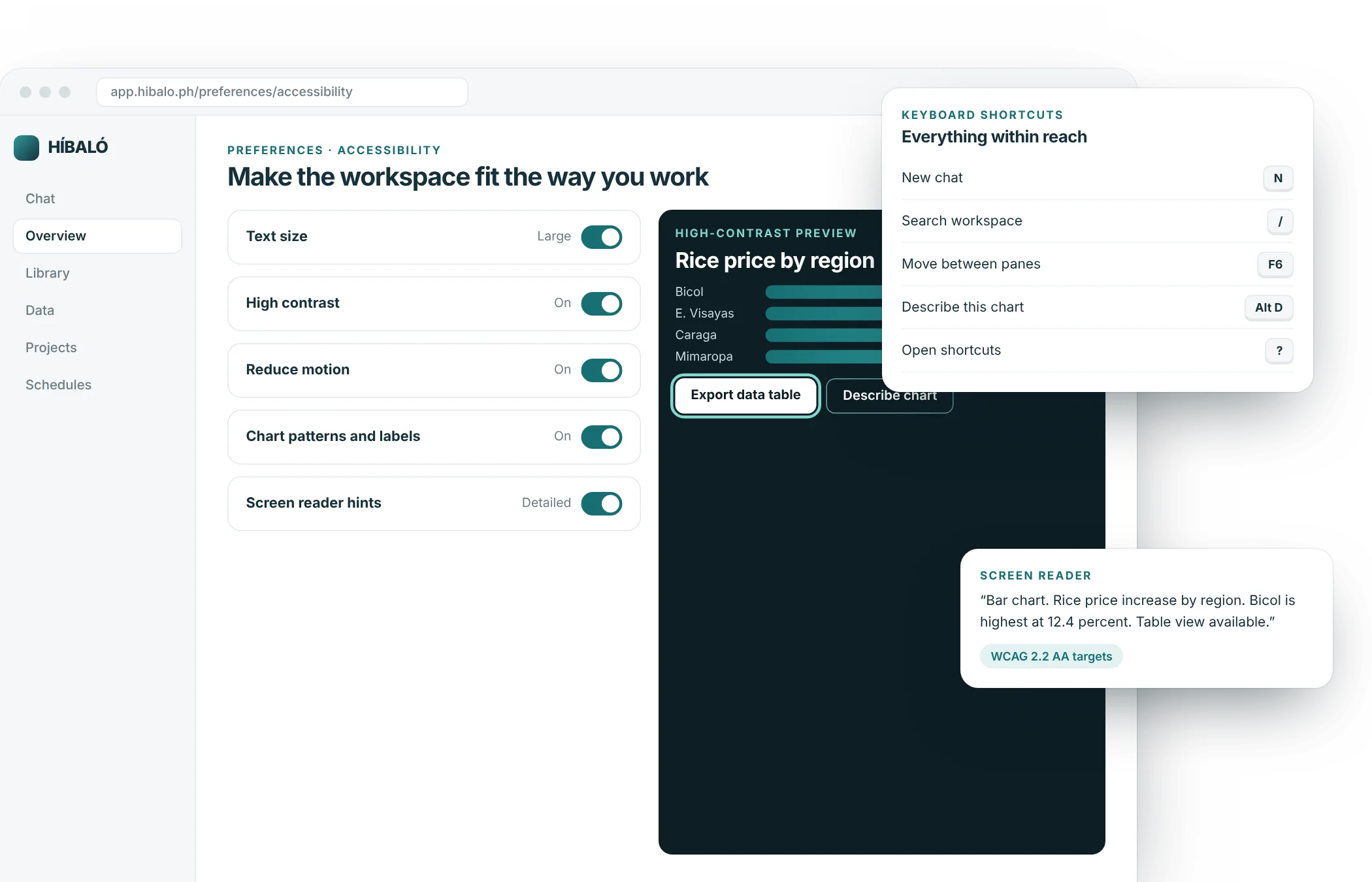
Use Tab and Shift+Tab to move through controls. Enter or Space activates buttons. Escape closes dialogs, returning focus to the previous control.
Use the skip link to move directly to workspace content. Charts include data-table views; maps expose an accessible coordinate table when data is available.
Appearance settings provide light and dark modes, larger text and reduced-motion support. Respecting your system’s reduced-motion preference is enabled in the interface.
Report an access barrier
Contact founders@accentecxai.com with the affected page, the control you were using and the assistive technology involved. Include no sensitive source data.
Prepare accessibility feedbackEvery public dataset, one question away.
Start free in minutes. Bring a file, connect a source, or just ask.